

The world of creative technology is advancing at a breathtaking pace. What began as simple automated editors has blossomed into sophisticated software capable of drafting entire visual sequences.
By 2026, this evolution promises to redefine professional-grade production workflows. The current market is already bustling with powerful platforms like Runway, HeyGen, and OpenAI Sora.
I have dedicated significant time testing these top platforms. My goal was to see how they handle complex creative prompts today.
The shift means businesses and independent creators can now produce high-quality digital content. They no longer require massive studio budgets to achieve stunning results.
My analysis focuses on the most effective creation methods available right now. Understanding these systems is essential for anyone wanting to stay ahead in our rapidly changing industry.
Key Takeaways
- The technology has evolved from basic editing to advanced sequence drafting.
- Professional production workflows are becoming the standard for creators.
- Extensive testing reveals how modern platforms manage complex creative tasks.
- High-quality visual content is now more affordable and accessible.
- My review covers the most effective methods for integrating this software.
- Mastering these platforms is crucial for success in the digital content landscape.
Introduction to AI Video Generation in 2026
Digital content creation has reached a pivotal moment, defined by new standards of speed and control. The revolution in this field has moved from simple, automated outputs to systems offering precise command over every detail.
Creators now demand consistent characters and integrated workflows. They are moving away from random, “slot machine” style results.
Understanding the Current Landscape
The current world of digital media is shaped by how fast teams adapt. Today’s sophisticated platforms can brainstorm ideas and automate complex tasks.
My observation is that the primary goal is achieving precise control over narrative flow. This shift is evident in the tools professionals use now.
| Aspect | 2025 Focus | 2026 Demand |
|---|---|---|
| Character Consistency | Often random | Precise control |
| Workflow Integration | Standalone tools | Seamless pipelines |
| Output Quality | Variable results | Professional-grade clips |
The best creators aren’t just using new software; they are rethinking their entire production process from the ground up.
Why AI is Transforming Video Production
The transformation is driven by a need for sheer efficiency. The ability to generate high-quality clips rapidly is a game-changer.
These tools are fundamentally altering how we approach visual media across all sectors. They empower creators to produce work that once required massive budgets.
This isn’t just about faster editing. It’s about unlocking a new level of creative possibility for everyone.
The Evolution of AI Video Generation Tools
The journey from basic clip generators to full-fledged creative studios marks a new era for prosumers. This shift is not just about new features. It represents a fundamental change in how we approach visual storytelling.
From Basic Editors to All-in-One Studios
I’ve watched platforms like Higgsfield.ai transform. It started as a simple generator. Now, it operates as a complete Professional Studio.
Modern software offers integrated editing, keyframing, and timeline management in one interface. This is a game-changer. A professional workflow today requires more than just a prompt box.
It demands timeline editing and granular control guide over every frame. I have used these tools to direct sophisticated narratives. Keyframing features allow for precision that was once impossible.
The move to integrated studios is clear. Creators can now handle image generation, animation, and editing in a single platform. This is the standard for quality content creation today.
This transition is a major leap. It changes how we manage the entire production lifecycle. The focus is on seamless, powerful creation from start to finish.
Product Roundup Overview: Insights and Testing Methodology
My approach for this product roundup was designed to eliminate variables and focus purely on performance. To provide an accurate list of the best options, I tested ten different software platforms using the exact same creative prompt.
This standardized method ensures a direct, unbiased comparison. It reveals how each system handles identical instructions.
AI Video Generation 2026
The test scenario was specific. It featured a young woman in a green coat walking tools like through a rain-soaked Tokyo alley at night.
I evaluated each of the tools on two main points. First was its ability to correctly interpret the detailed scene description. Second was maintaining visual consistency suitable for a real-world production environment.
| Evaluation Criteria | What Was Tested | Why It Matters |
|---|---|---|
| Prompt Fidelity | Accuracy to the described scene, lighting, and character. | Shows how well the software understands and executes creative direction. |
| Character Consistency | Stable appearance and movement of the human subject. | Essential for professional narratives and avoiding distracting glitches. |
| Scene Realism | Quality of environmental details like wet streets and neon glow. | Creates believable atmosphere and viewer immersion. |
| Physics Handling | Natural movement, cloth simulation, and rain effects. | Separates basic clips from convincing, high-quality video output. |
This methodology allows me to compare how different models manage complex elements side-by-side. My goal is to identify which solutions offer the best balance of quality and user control for professional tasks.
In-Depth Look at Runway’s Advanced Creative Control
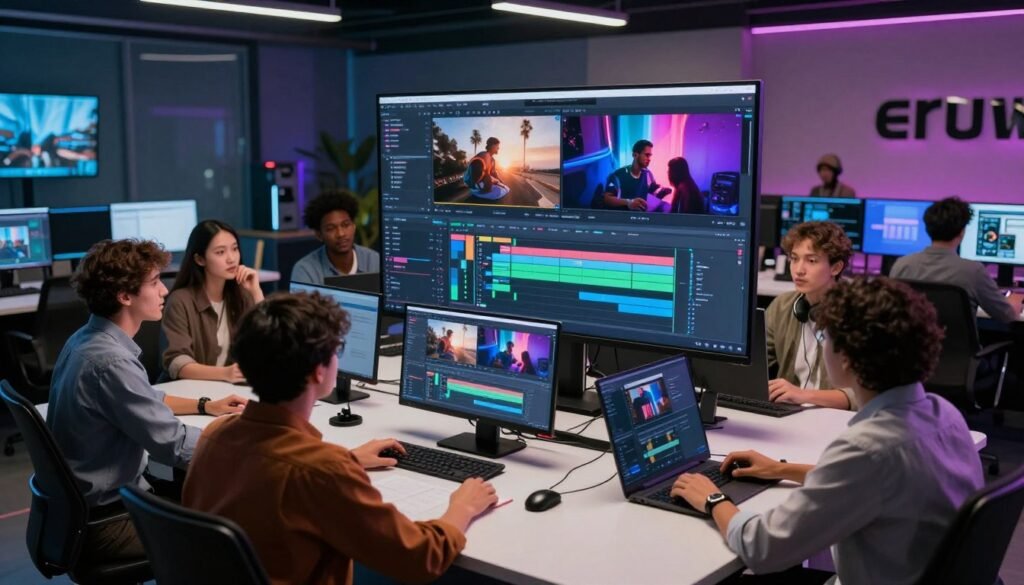
For creators demanding meticulous direction over their visual stories, Runway stands out as a platform built for precision. It moves beyond basic guide creation to offer filmmakers granular control over every aspect of their project.
Key Features and Capabilities
The Gen-4.5 model provides advanced camera controls like pan, tilt, and zoom. These features are essential for crafting dynamic, professional video shots directly from a prompt.
Another powerful feature is the Multi-Motion Brush. It lets you animate specific areas of a still image, adding life to static scenes.
This tool is incredibly powerful, but its wide array of options can overwhelm newcomers. The Standard plan, at $15 monthly with 625 credits, offers substantial access to these professional features.
My Personal Experience with Runway
During my tests, Gen-4.5 produced a high-quality final output. The scene detail and motion were impressive for a software-based solution.
I did notice some minor facial artifacts during character movement. This is a common challenge even with advanced systems.
Despite a learning curve, the ability to train custom models is a game-changer. It ensures brand consistency, making Runway a top choice for serious creators who need reliable, precise control over their video output.
Exploring HeyGen for Personalized and Translated Videos
HeyGen tackles a specific niche: making personalized video messages scalable for global teams. This platform excels where personal connection meets international reach.
It is an excellent tool for sales teams and marketers. They need to create content for a worldwide audience without losing a personal touch.
Avatar Technology and Customization
The platform features a clean interface. Users can choose from a diverse library of avatars or create custom versions.
I appreciated the voice cloning capability. It adds a layer of authenticity to each message.
While highly functional, the avatars can appear less realistic than human actors in certain lighting. This is a minor trade-off for the customization and consistency they provide.
Workflow Efficiency and Pricing Options
Efficiency is a major strength. The ability to see a script outline before final generation allows for quick edits.
The workflow is enhanced by accurate multi-language tools like translation. This turns a single script into a campaign for multiple regions.
The Creator plan is priced at $29 monthly. It offers unlimited generated video content, which is a strong value proposition.
| Plan Feature | Creator Plan ($29/mo) | Key Benefit |
|---|---|---|
| Video Output | Unlimited | Scalable for high-volume campaigns |
| Custom Avatars | Included | Brand-specific spokesperson creation |
| Voice Cloning | Available | Personalized and authentic audio |
| Language Translation | Multi-language support | Efficient global content localization |
These features make it a powerful solution for businesses focused on personalized communication at scale.
Narrative Storytelling with OpenAI Sora
When narrative flow is paramount, OpenAI Sora emerges as a distinct solution in the creative software landscape. It is accessible directly through a ChatGPT Plus subscription for $20 monthly. This integration makes the platform highly approachable for users already comfortable with the chatbot interface.
Maintaining Narrative Consistency
The model excels at maintaining temporal and narrative consistency for clips up to one minute long. This is a critical feature for anyone crafting a cohesive visual story.
During my testing, the output handled complex environmental scenes with impressive detail. However, I noticed it sometimes struggled with perfectly realistic human walking movements. This minor artifact does not detract from its core strength in long-form continuity.
Integration with ChatGPT and Extended Features
The seamless connection with ChatGPT streamlines the creative prompt process. I found the ability to generate multiple variations from a single instruction incredibly valuable for iterative storytelling.
The power lies in its dedicated focus on story-driven content, making it a specialized tool in a creator’s arsenal.
While there are some regional restrictions, Sora remains a powerful option for producing professional video narratives. Its design prioritizes the logical progression of a scene, which is essential for serious content video generators generation.
Realism in Motion: Evaluating Kling AI
Kling AI distinguishes itself by focusing intensely on photorealistic human generation. This tool is a standout choice for creators who need believable actors and natural movement.
Photorealistic Human Generation
The model is best-in-class for creating realistic human faces and movements. It handles complex physics well, including accurate lip-syncing.
During my test, the output showed impressive realism. However, I noticed some finer details, like anamorphic lens flares, were missing.
Performance, Artifacts, and User Experience
I found the interface easy to navigate. Generation time was fast, usually under one minute for a clip.
The output quality is consistently high, making it reliable for social media. Some professional features are locked behind VIP tiers.
| Feature | Standard Plan ($10/month) | VIP Tier |
|---|---|---|
| Monthly Credits | 660 | Higher limit |
| Generation Speed | Under 1 minute | Priority queue |
| Advanced Controls | Basic settings | Granular features |
| Realism Details | High-quality faces/movement | Enhanced effects |
For its price, the Standard plan provides excellent value. It delivers professional-grade video content without a steep learning curve.
Business and Training Videos with Synthesia

Maintaining a uniform brand message across global teams is a challenge modern software can solve. Synthesia is the leading platform for businesses that need to create professional training video content and internal communications at scale.
Corporate Applications and Avatar Library
This tool excels in corporate environments. Its library of over 140 realistic AI avatars supports more than 120 languages and accents.
Companies use this to maintain a consistent brand voice across all educational materials. I found the Editor mode a useful feature for overlaying text and images.
It customizes the final output for clarity. The platform is designed for ease of use, not cinematic flair.
During my testing, the characters were highly professional. I noted some logical inconsistencies in scene generation, but they were minor.
The Starter plan costs $29 monthly. It includes 120 minutes of video per year, offering solid value for business needs.
Fast and Cinematic Results with Luma Dream Machine
For those prioritizing rapid iteration and cinematic visuals, Luma Dream Machine presents a compelling option. Its Lite plan is priced at $9.99 monthly and includes 3,200 credits, offering substantial capacity for regular use.
Speed, HDR Quality, and Visual Effects
This software is engineered for speed. It is an ideal tool for creators who need to produce content quickly under deadlines.
The model’s support for HDR and HiFi quality makes a huge difference. It significantly boosts the visual fidelity of the final output, giving clips a professional, cinematic look.
I found the keyframes feature particularly helpful. It allows the system to fill in motion between two static images seamlessly.
While generation is extremely fast, I noticed the tool sometimes struggled to follow specific action sequences in my prompt. This is a minor trade-off for the overall speed.
Post-Production Flexibility
The platform offers excellent flexibility after the initial creation. Users can iterate on their ideas with minimal wait times.
This makes refining a video concept a smooth and efficient process. It empowers creators to experiment freely without slowing down their workflow.
Creative and Social Media Content with Pika
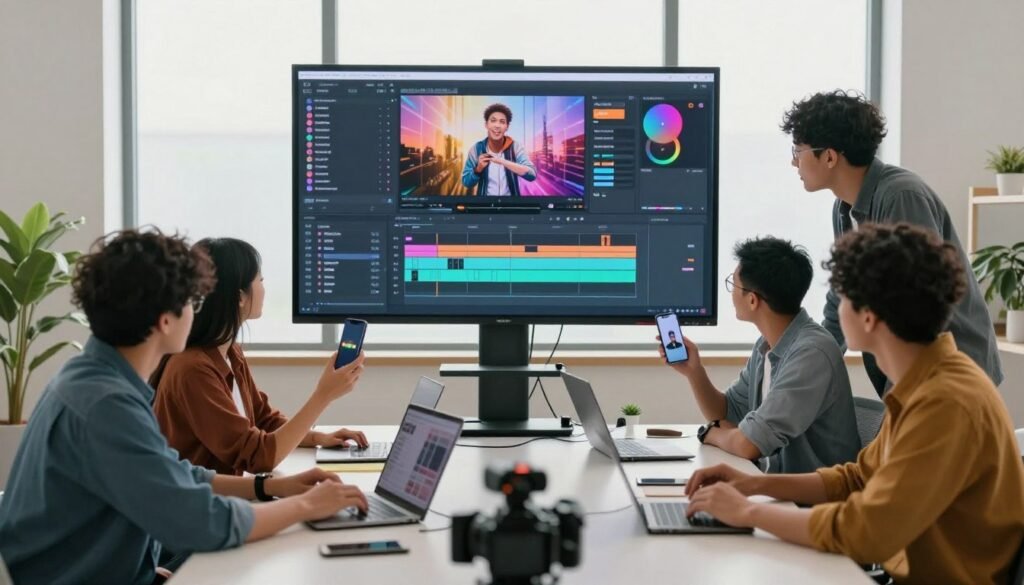
Social media creators seeking a playground for visual experimentation will find a powerful ally in Pika. This platform is built for those who love to remix and twist digital content, not just generate it.
Innovative Tools for Remixing and Unique Effects
Pika offers a suite of unique features like Pikaframes, Pikaswaps, and Pikatwists. These tools allow for deep creative manipulation of your video content.
The service is popular for its active Discord community, where creators share ideas and techniques. This social aspect fuels its reputation for fun remixing capabilities.
I found the interface to be quite complex. It presents many options for video-to-video and image-to-video generation.
Despite the learning curve, the ability to swap characters and objects is a standout tool. It makes the process a fun choice for crafting engaging social media clips.
The output quality is generally good. Achieving the best results, however, requires a clear understanding of the various creative add-ons.
Comparative Analysis: AI Video Generation 2026 and Market Impact
My comparative analysis reveals that no single solution dominates. Instead, creators are building custom workflows from multiple specialized tools.
The market now offers distinct models for specific tasks. This division of labor allows for higher quality and more control.
Feature Comparison Across Top Tools
Each platform excels in a unique area. For instance, Google Veo 3.1 is optimized for cinematic lighting and texture realism.
Seedream 4.5 generates clean hero frames with consistent facial structure. This is crucial for maintaining character integrity across scenes.
Other models serve niche purposes effectively. Vidu 2.0 delivers stylized, energetic motion perfect for music promos.
| Model | Primary Strength | Best For |
|---|---|---|
| Google Veo 3.1 | Lighting & texture realism | High-end cinematic productions |
| Seedream 4.5 | Clean, consistent hero frames | Character-driven narratives |
| Hailuo 2.3 | Extreme generation speed | Short-form content & A/B testing |
| Hedra Character 3 | Talking avatar synthesis | UGC-style narration & explainers |
Pricing, Workflow, and Quality Considerations
The best choice depends entirely on the project’s needs. Do you require the cinematic polish of Veo or the rapid iteration of Hailuo?
Flux AI simplifies this decision. It acts as a hub for testing prompts across models like Kling 2.6 and Wan 2.6 in one place.
This unified platform streamlines the creative process. It helps users match the right tool to the task without switching between different software.
Ultimately, maintaining output quality and character consistency are the major goals. The current ecosystem empowers creators to achieve both efficiently.
Conclusion
Choosing the right creative partner among today’s advanced platforms is the most critical decision for content creators.
The rapid progress in this field has delivered an unprecedented suite of powerful production tools. Your ability to generate high-quality video material now depends on matching a software solution to your specific narrative and business objectives.
As these models evolve, the world of digital storytelling becomes more accessible. Mastery of new workflows is the key to unlocking this potential.
I believe the most successful creators will blend these sophisticated tools with a clear, repeatable process. This combination turns technological capability into consistent, professional output.
AI Video Generation 2026
The future for visual content is exceptionally bright. I am excited to witness how these innovations continue to reshape our creative landscape today.